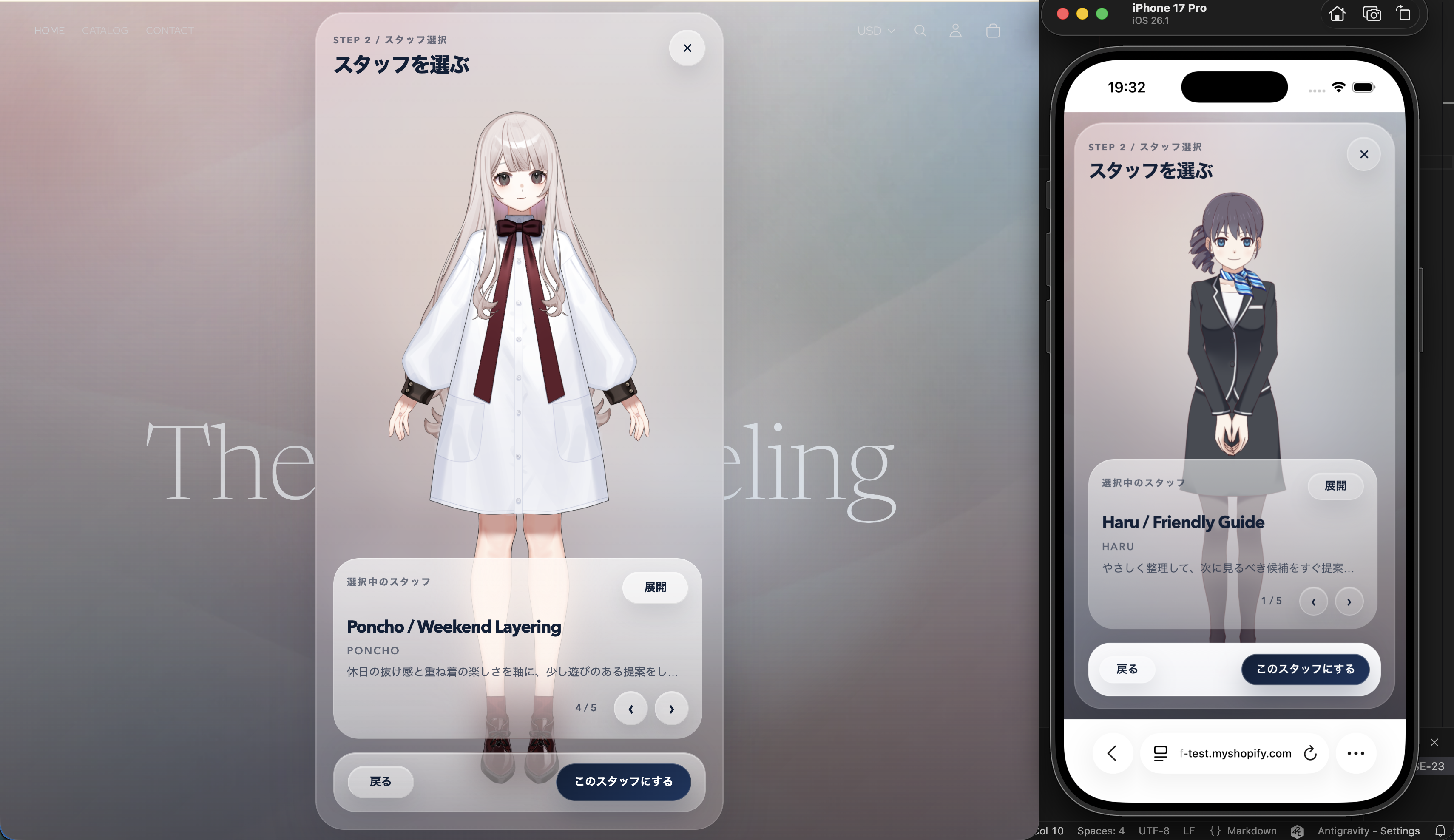
Assistant Selection
After setting preferences, the next step is to choose the assistant used for the conversation.
What happens here
- Review the assistant options that are displayed
- Select the assistant that best matches the customer-service objective
- Return to the previous screen if needed
Checkpoints
- The displayed candidates are the expected ones
- It is clear which assistant is currently selected
- Users can switch between multiple candidates when they exist
Operating notes
- The customer-service modes and assistant configuration prepared in the model settings are reflected here.
- If the expected candidates do not appear, review the Models settings in the Admin Console.