Using the Admin Console
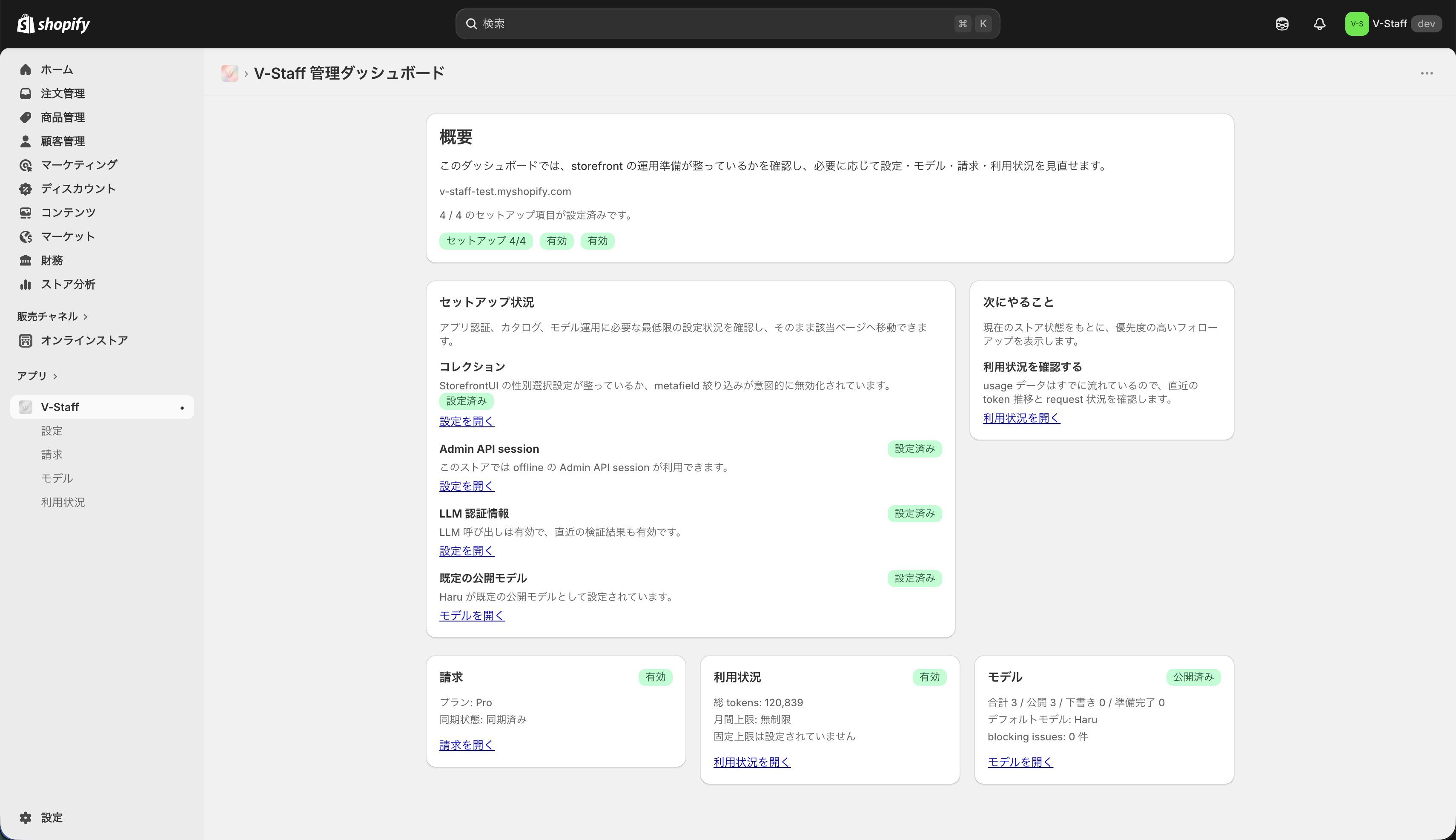
The Admin Console is the management screen where you configure V-Staff, manage models, and review usage.
Main screens
Overview: Check the current setup status and the next recommended actions.Settings: Manage shared store settings and credentials.Models: Manage Live2D models and conversation settings.Usage: Review usage volume.Billing: Review billing status and plan information.
Where to start
- Review the overall status in How to Read the Dashboard.
- Complete shared store settings in Settings.
- Prepare the models to publish in Models.
- Check your operating status in Usage and Billing.
Screen image