
App Embed Setup
This page summarizes how to enable the V-Staff App embed in the theme customization screen.
Steps
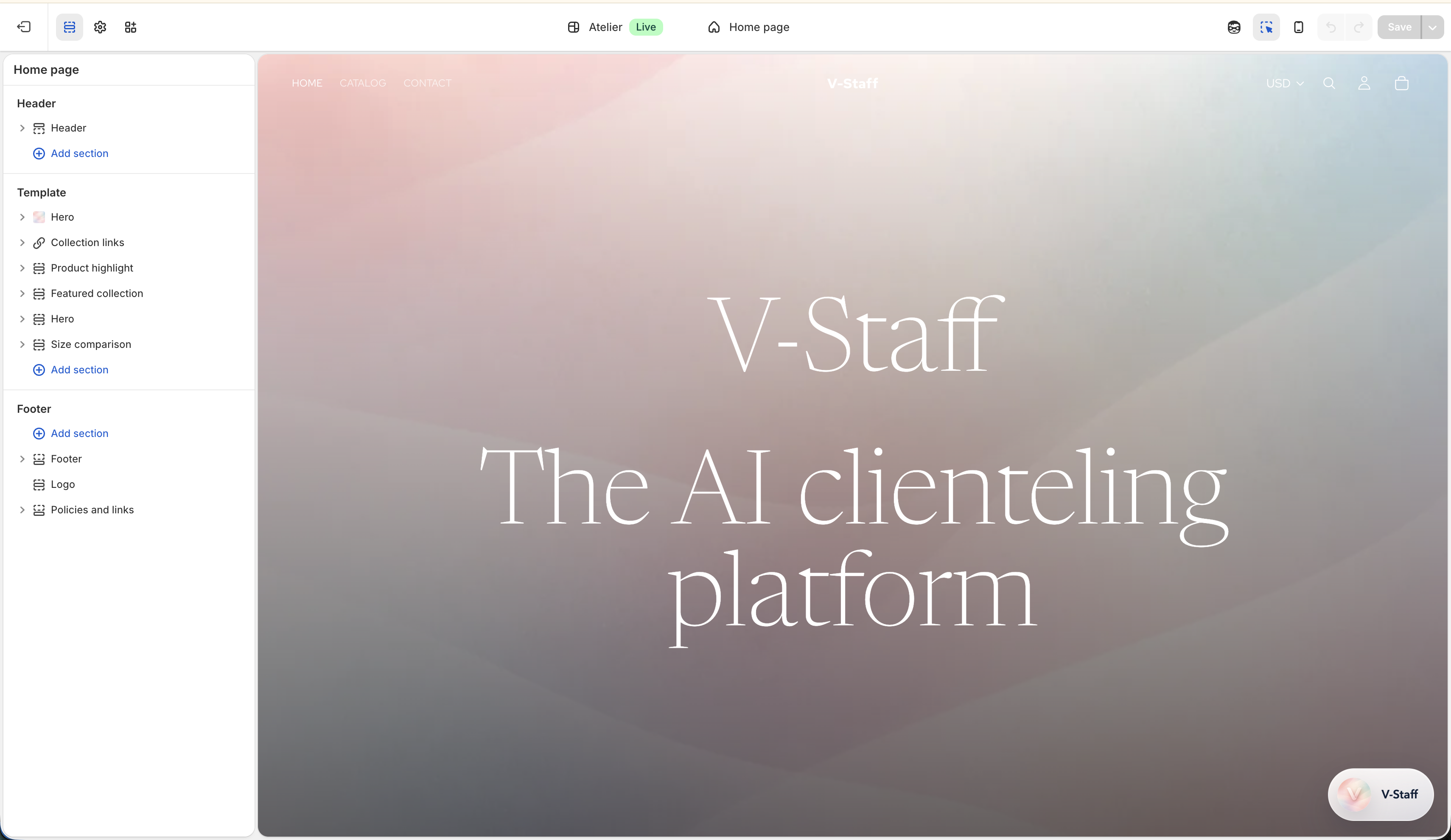
1. Open the target theme
- In Shopify Admin, open the Online Store theme list.
- Select the theme you want to update and enter the customization screen.
2. Enable the App embed
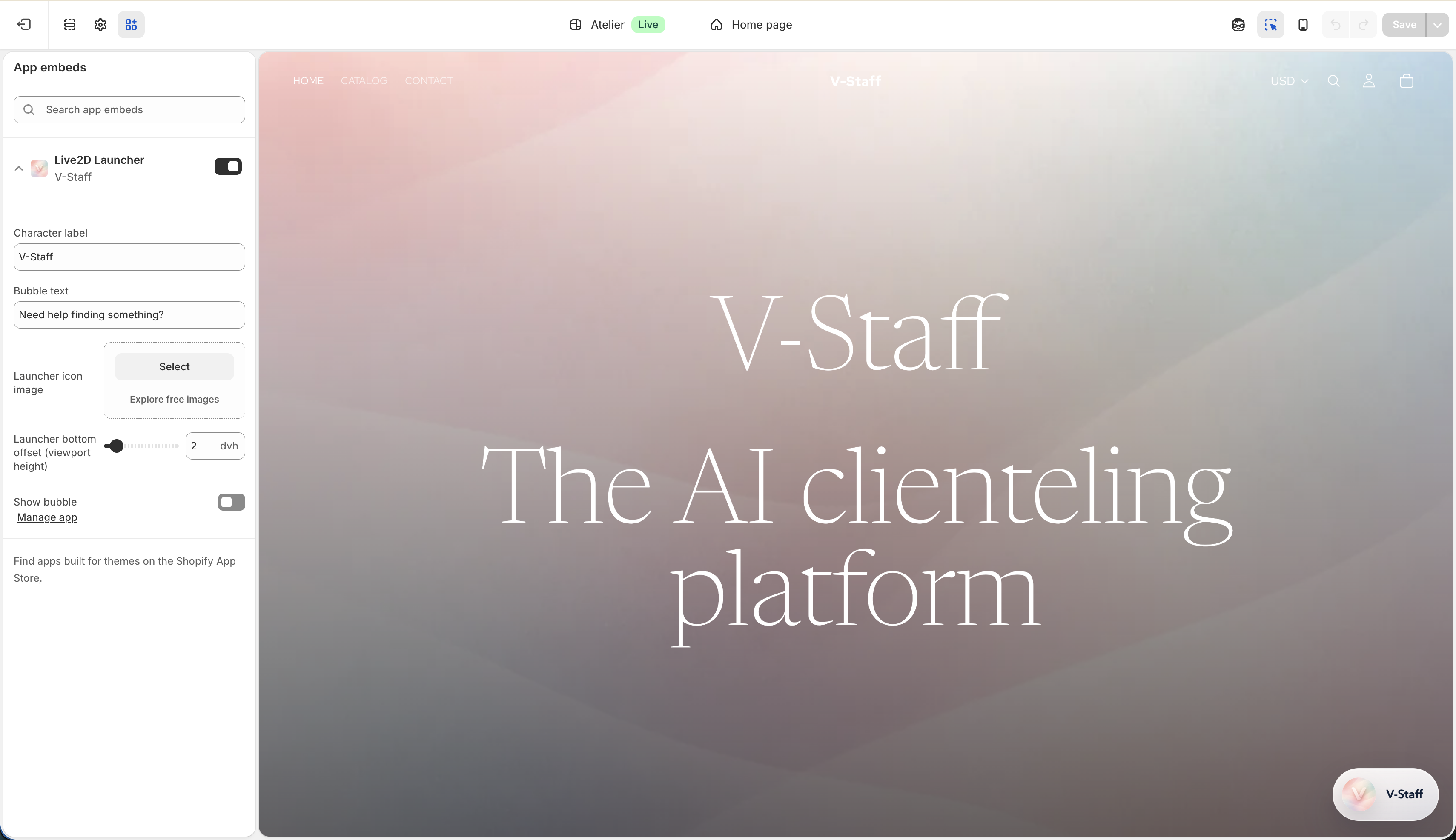
- Find V-Staff under App embeds or under the relevant app section.
- Turn on the toggle.
3. Review the settings
- When you open the V-Staff App embed, you can review the launch-display-related settings.
- It is usually best to enable it with the default values first and adjust only when necessary.
Character label
- This is the name shown in the launcher and conversation UI.
- If you do not have a special requirement, leaving it as
V-Staffis fine.
Bubble text
- This is the bubble text shown above the launch button.
- Keep it short and easy to understand so that it matches your customer-service tone.
Launcher icon image
- This is the icon image shown for the launch button in the bottom-right corner.
- If not configured, the app default icon is used.
Launcher bottom offset
- This adjusts how far the launch button is moved upward from the bottom edge of the screen.
- Use it when the button overlaps with bottom-fixed navigation or a purchase button.
Show bubble
- This controls whether the bubble text above the launch button is shown.
- Turn it on when you want visitors to notice the feature, or off when you want a simpler look.
4. Save
- Always save after changing the settings.
- After saving, confirm the result in the theme preview or on the storefront.